Add Watch Account
How to add a Watch Account to monitor and track Social Accounts.
Steps
1. Click the Add button in the Watch Account section

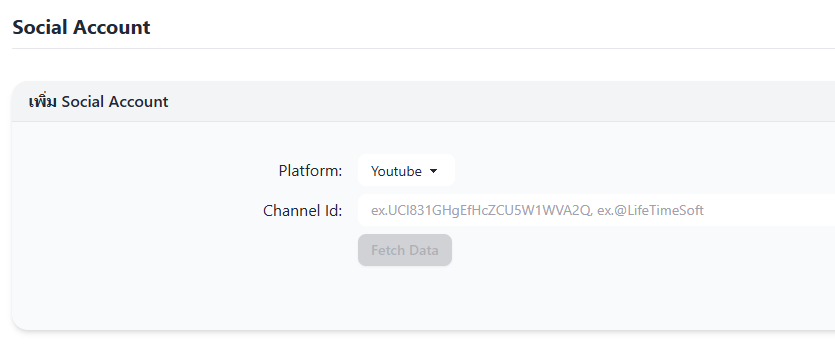
2. Select a Platform, enter the ID, then click Fetch Data
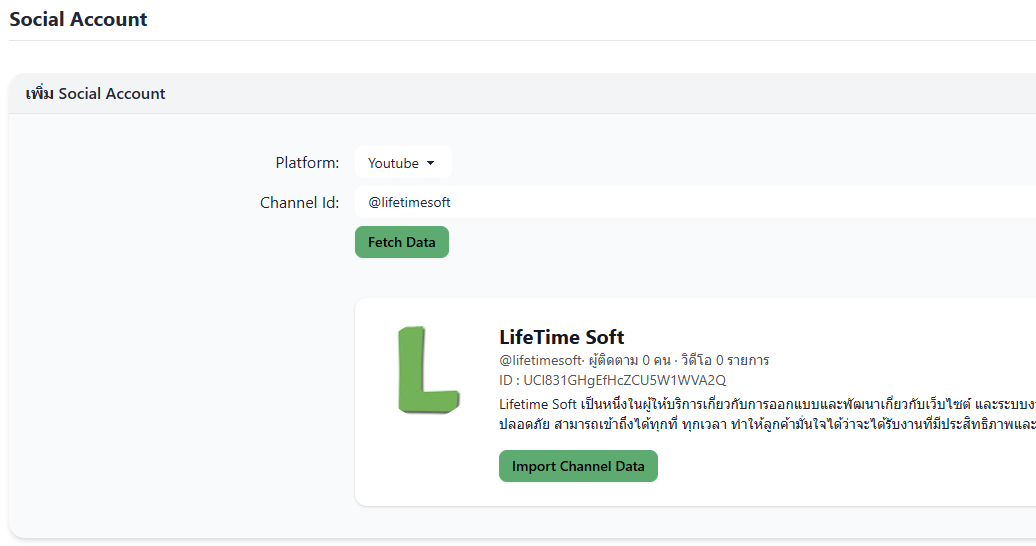
3. The system will fetch and preview the data. Confirm and click Import Channel Data
4. The system will display all imported accounts
